
Example
Here is an example guide for the Feedback API.
You can find the available APIs for the Feedback API on the Available APIs page.
Postman
What is Postman?
Postman is a popular API testing and documentation tool that enables developers to easily send, receive, and analyze API requests. It provides a user-friendly interface for testing API endpoints, validating responses, and documenting API workflows.
Using Postman for API Documentation and Testing
Here’s a step-by-step guide to using Postman for Feedback API:
Sending API Requests:
- Within your collection, select an API endpoint and click the “Send” button.
- Enter the required API keys, headers, or body data.
- Postman will display the API response, including the status code, headers, and body.
“Want to explore our API endpoints? Check out our Postman workspace: https://www.postman.com/addhuri/feedback-api/
We’ve curated a collection of API endpoints to help you get started: https://www.postman.com/addhuri/feedback-api/collection/spfellw/apis/
Feel free to fork our collection, add your own requests, and share your feedback!”
User Interfaces of Different Feedbacks
Binary Choice
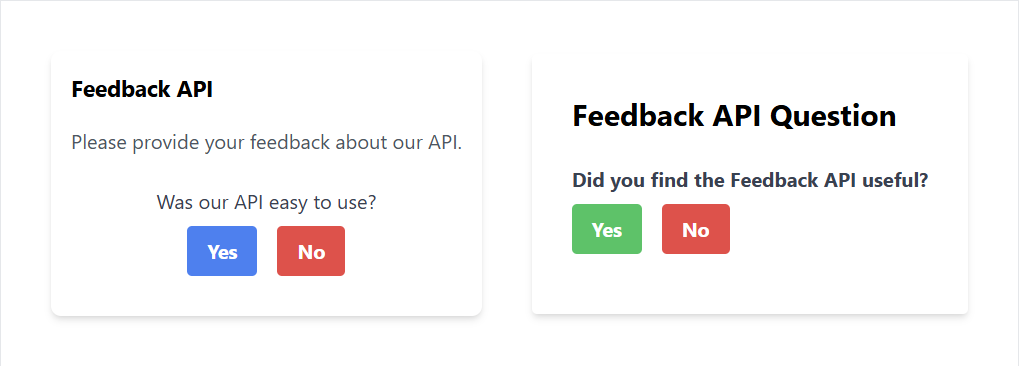
It is used to collect feedback from users in the form of a binary choice response.
Rating Score
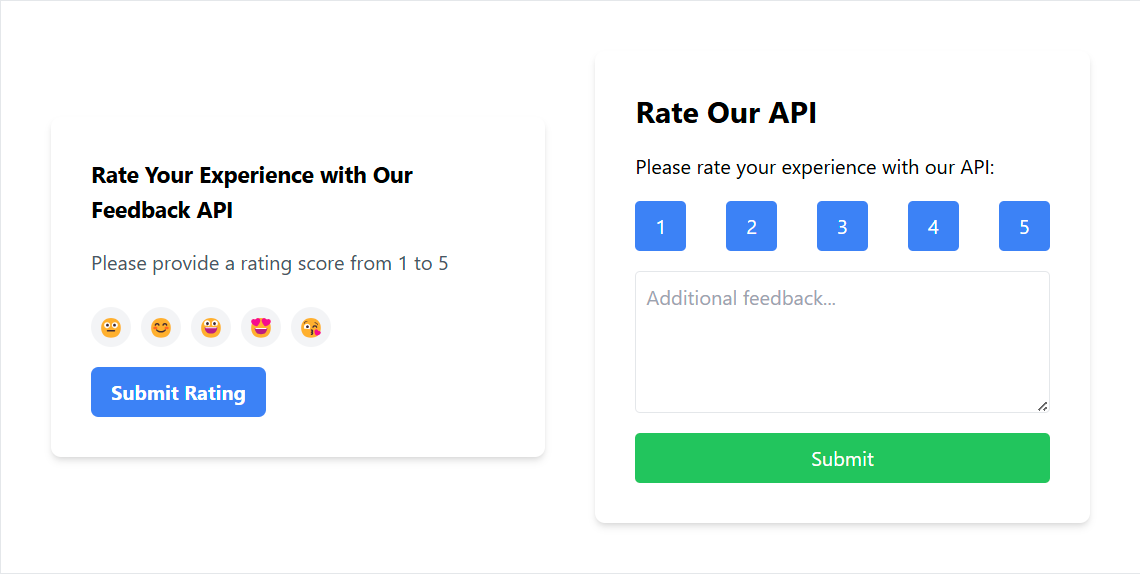
It is used to collect feedback from users in the form of a rating score.
Single Answer
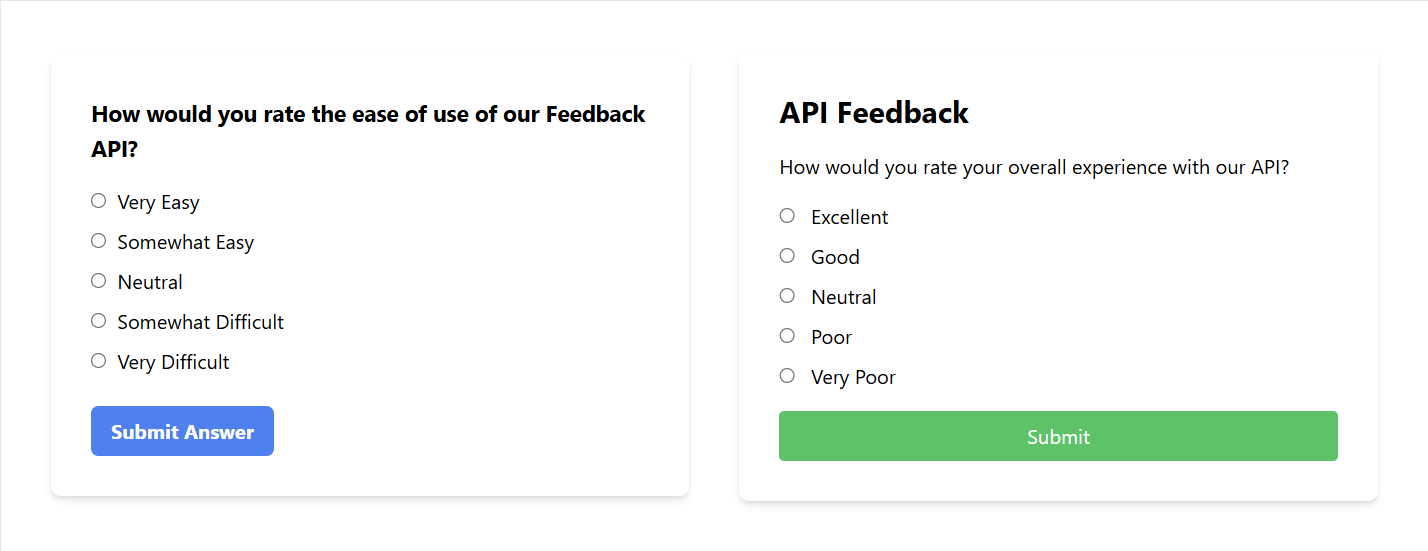
It is used to collect feedback from users in the form of a single answer.
Multiple Answers
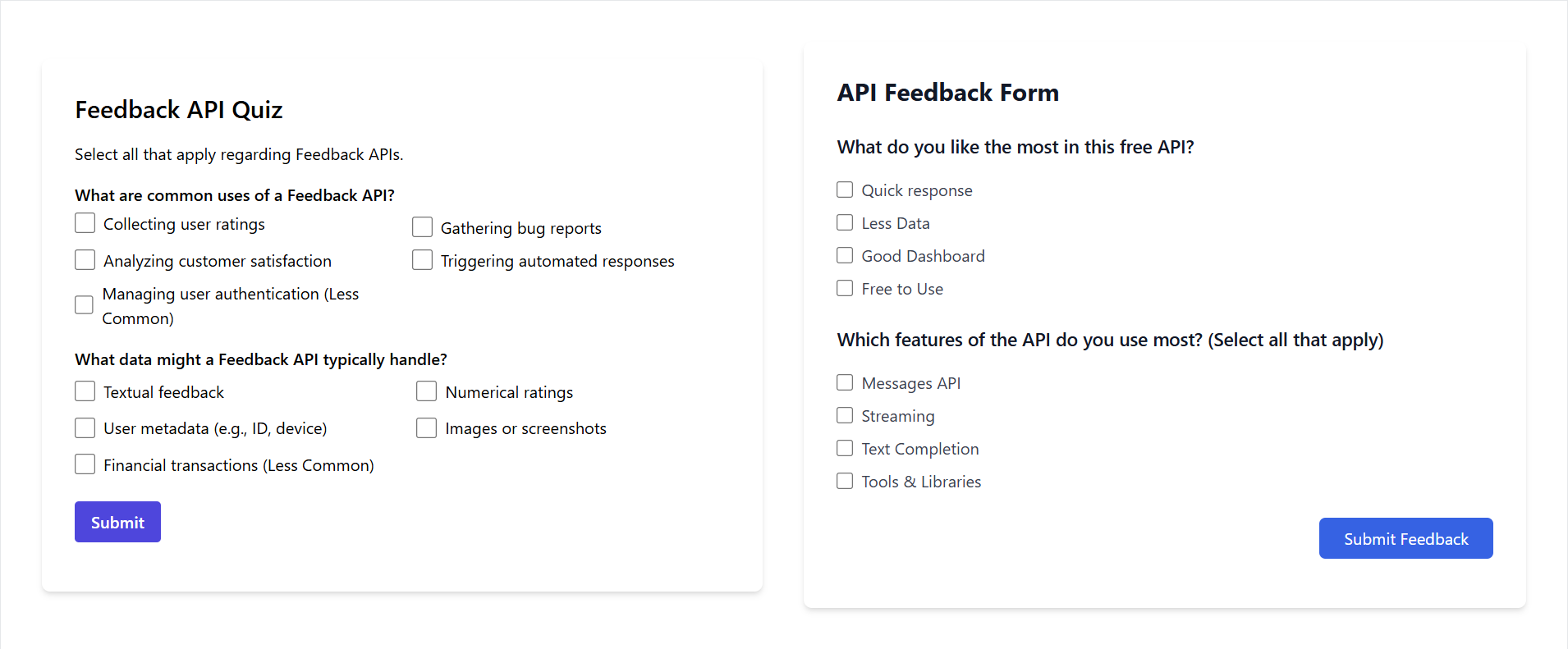
It is used to collect feedback from users in the form of multiple answers.
Multiple Questions
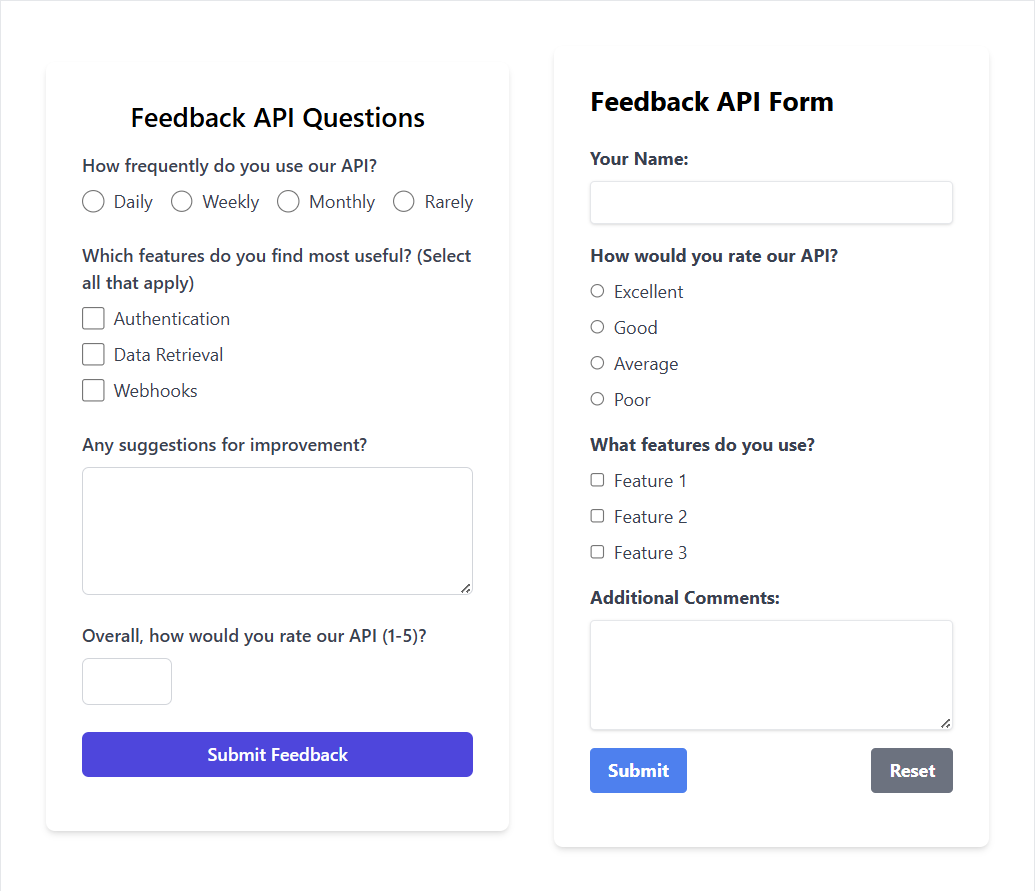
It is used to collect feedback from users in the form of multiple questions.